Squarespace SEO Problems and How to Fix Them
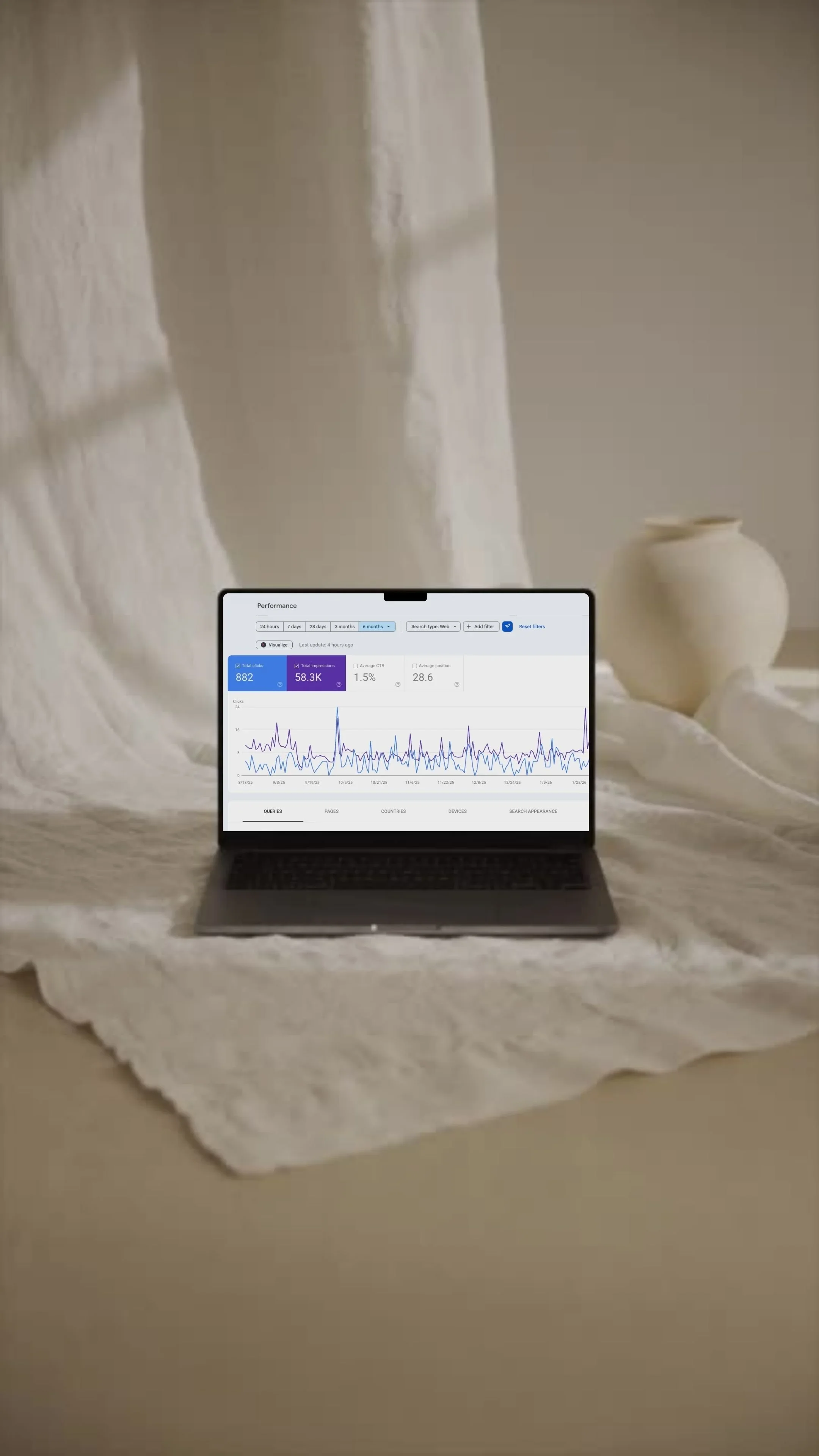
You’ve finally created your website, a physical representation of your passion made real. You click publish, tell yourself it’ll take a few days to get traction, and then… nothing. Now you’re not sure what to do and a quiet creeping thought begins forming: Is Squarespace the problem?
This is completely normal and expected, and happens to many many people. It would be a miracle if your website started getting visitors within the first month.
Squarespace is not inherently bad for SEO and most common Squarespace SEO problems usually stem from issues that are technical, structural, or content-related. Most importantly, they’re fixable.
Why do they happen? Perhaps you need to make a few tweaks to your page and SEO titles, or navigation. It’s also entirely possible you skipped a few SEO basics before launch, or the pages look great but they don’t fully answer search intent.
So, make a cup of coffee and strap yourself in, we’ll go through the most common Squarespace SEO problems, explain why they happen, and show how to solve them step by step, all without switching platforms or adding unnecessary tools.
Table Of Contents
A Quick Way to Diagnose Your Squarespace SEO Problem
The honest truth is that most SEO problems aren’t random and they usually show up in patterns. Let’s take a moment to sit on that.
If you’ve been getting traffic but it drops, it’s likely not a coincidence or glitch with Squarespace. You’ll probably find the reason is content-related or technical. If people were signing up before and now they’re not, did you change anything recently, like copy or move sections around?
Problems with SEO rarely happen in isolation. For example, if you recently created 20 very short articles, and half of them lost ranking at once, then the pattern here is thin content.
So rather than trying to fix everything on your site at once, you can find the one big mistake that you’ve repeated across pages. Fixing this pattern alone will solve multiple problems at once.
Advice like “use more keywords” or “get more backlinks” has its place, but if you can recognize the symptoms you’ll understand why you are making a change. Not every symptom has the same level of priority, which leads to the first point. Checking if your site can be found and indexed by search engines.
Symptom 1: Your Site Isn’t Being Indexed
If your site isn’t indexed properly then it won’t really make a difference if you adjust headlines or use the best keywords. Publishing your site doesn’t mean that it will be automatically visible. Google needs to know a few things first:
Does the site exist?
Which pages matter?
Are the pages worth ranking?
The way it answers those questions is by discovering and understanding your website, which is called indexing. Once it knows what your site is about, it will decide which pages to show.
If your site isn’t appearing when you search, this is completely normal, especially for Squarespace sites. Common reasons could be:
The site is new and has no history yet.
Pages were recently updated but not yet indexed.
Important pages aren’t clearly linked.
Default settings were left untouched during launch.
Multiple pages are competing for the same topic, confusing the search engine.
Fixing this only takes a few minutes. A few things you can do are:
Link your key pages (navigation + internal links).
Submit the sitemap.
Connect your site to Google Search Console.
Request indexing after major updates.
Focus on the most important pages first.
This is the foundation. Once visibility is solved, the rest of SEO starts to work properly.
Symptom 2: Page and SEO Titles Are Working Against You
Titles are often the silent Squarespace SEO blockers and many sites start getting traction once they’re used more effectively.
What are titles?
You can think of titles as the bridge between the search engine's algorithm and a potential visitor's curiosity. Before exploring that, let’s look at the two most important tiles on your site. The page title and the SEO title.
The page title is often called the H1 tag, and it lives at the very top of your page (like how we use it on one of our Web Design service pages). This title tells visitors (and the search engine) what the page is about (like the title of this page).
The SEO title is known as the title tag and lives in the code of your page and on the Google Search results (the blue clickable link). It tells the search engine what the page is about, and is short and punchy to get your reader to click.
Why do they matter?
If you have titled every page “home” or “services”, Google will think your pages are identical and hide them. If you have tried to cram as many keywords as you can in the SEO title, it will confuse both humans and search engines. If you have used a creative title, rather than something people will search for, search engines won’t know who to show it to.
Even if you have an amazing product or service, if your SEO or page title doesn’t serve its purpose, it may take a long time for your site to get discovered.
Symptom 3: Your Keyword Targeting Is Too Broad
While it might sound safer to be as broad as possible with keywords to get more visitors, very specific, targeted keywords will attract the readers you want. However, this doesn’t mean you should try and fit as many related keywords as possible. That's called keyword stuffing, and will work against you in the long run.
Without being too technical, search engines rank pages that match a specific intent. The more specific and targeted, the easier you make it for the engine to understand who to show your page to.
Broad keywords on the other hand are:
Vague.
Highly competitive.
Unclear in intent.
This may result in:
Pages ranking for irrelevant searches.
Service pages that sound like brand statements (common on Squarespace sites).
Homepage tries to cover too many services.
Your page ranks very low.
So not only will search engines not understand who you want to show your site to, you may also get visitors that aren’t all that interested in your content.
To better understand the concept, consider thinking of it like this: one page, one specific idea. Try your best to avoid ranking for everything at once.
Symptom 4: Your Pages Don’t Fully Answer the Search
You may have noticed a trend emerging, specificity. And the reason is very simple. Search engines exist to answer any question or solve a problem the reader has. Your website helps people and search engines will reward you when that happens.
This ties into search intent. Framing it like this is often helpful:
You have a question.
You open a search engine and type it out.
You click on a site you think has the answer.
You read the content and walk away satisfied.
People are searching for reassurance, guidance, clarity, comparison, or the next step. Your website’s content needs to meet that need, because if it doesn’t, search engines will stop suggesting your site.
This is a common Squarespace SEO problem, as Squarespace sites often:
Focus on aesthetics over information.
Key information is missing because “it feels obvious to the business”.
Copy is written to be understood internally, not as an answer to an external question.
This likely leads to:
Visitors arriving but leaving just as quickly.
Pages feel vague to readers even though they look amazing.
Traffic comes in, but nothing comes of it.
Your page is getting visitors but the ranking doesn’t change.
A strong page should:
Make it clear who it’s for.
Explain what the reader is getting.
Answer the actual question or concern.
Set clear expectations.
Make it easy for readers to decide what to do next.
Consider framing it like this: It’s not about the length of the page, but the completeness of it. If you focus on covering what the searcher wants to know, then a shorter page will always outperform a long one.
Symptom 5: Site Structure Makes It Hard to Understand Your Content
A very common Squarespace SEO issue is the way your site is organized might be holding it back, even if it has transformative content. The structure of your site matters to both humans and search engines, and the easiest way to conceptualize this is that structure signals importance.
The simple clarity principle.
When we refer to structure, we’re really talking about how the information on your site is organized and prioritized. Search engines will read your structure to understand what it means, and people rely on structure to quickly scan your site and orient themselves. As you may have guessed, if your structure is unclear then both will struggle.
What site structure means.
Let’s break down the structure of a good Squarespace site:
Page hierarchy: this is quite simply the order in which content/information is shown on your site. The most important content should be shown first.
Headings (H1, H2, H3): these describe the sections on your page, telling both the engine and reader what to expect. These separate ideas and make the page easier to scan. A page should only have one main heading (H1).
Internal linking: these are links to pages on your site, which provide contextual information to either help a reader understand a section, or to provide additional information.
Section order: similar to page hierarchy, it’s the order sections appear in. These need to flow logically so the reader isn’t thrown into confusion.
Why this is a common Squarespace SEO problem?
Squarespace makes it easy to design visually without thinking about hierarchy, and because of this:
Pages feel hard to skim.
Multiple H1 headings exist on a single page, confusing search engines.
Headings repeat.
Search engines struggle to identify the main topic of the page.
Much like content, your structure should reinforce the idea of one clear main topic per page, and headings should act like signposts. The goal is to use structure to help search engines and visitors understand the page faster, and what content matters most.
Symptom 6: Images and Page Speed Are Hurting Performance
As the person who created the site, your pages might not feel slow to you. However, visitors and search engines notice the delay faster than you expect, and this small performance issue could be holding your pages back.
So why does this matter? Because in today’s online ecosystem, people are using blazing fast internet and expect pages to load before they can blink. When visitors have to wait a while for your site to load (about 3 seconds actually), many will leave.
This increases something called a bounce rate. The rate at which visitors open a page and leave within a short period. For search engines, this is a quality indicator, and unfortunately it will assume something is wrong. The short-long of it is that if people leave quickly, your page ranking will stagnate.
This is a common SEO problem for Squarespace sites compared to other platforms since they are design-forward, and many large, high-quality images, embedded videos, galleries, and animations will slow your site down.
The easiest fix for this is to resize and compress any media you upload to your site, and try your best to be intentional about what media you use and where you place it.
Key Takeaways: What Actually Moves Squarespace SEO Forward
Most of the Squarespace SEO problems you may encounter come down to very fixable patterns, which once addressed will help visibility. After handling visibility, then you can focus on optimization. Optimizing usually works best when done by an SEO expert, because it can be a long, tedious process, and experts will know exactly what would help versus hurt your site.
Pages that look good are great, but they also need to answer the search and provide usefulness to readers. Focusing on your structure matters as much as the keywords you use. Specificity beats breadth every time.
At the end of the day, you can breathe a sigh of relief, as there is nothing wrong with Squarespace SEO.
Frequently Asked Questions About Squarespace SEO Problems
-
It’s almost always:
Rarely the platform itself.
Indexing, unclear focus, pages not satisfying search intent.
Newer sites take time, older sites have structural issues.
Rankings usually improve once you have addressed the foundational issues.
-
Our “Is Squarespace Good for SEO” blog should answer this question once and all. But, the short answer is unequivocally no, you’ll be pleased to know. It’s usually because:
Your SEO performance depends on content, structure, and setup.
Ranking issues usually stem from defaults being left untouched before launch.
SEO fundamentals not being addressed.
-
Unfortunately there is no exact timeline. A few things to consider are:
SEO isn’t instant.
Content improvements take a bit longer.
Technical fixes can show improvement in a few weeks.
Consistency matters more than speed.
-
You don’t need any plugins to rank your Squarespace website.
The built-in tools work well for most sites.
Tools usually support workflows, but they don’t replace strategy or good SEO implementation.
You will see better results by focusing on the fundamentals rather than tools.
-
Absolutely yes, but it depends on the type of site you have.
Service-based businesses don’t need a blog.
One helpful, focused page is better than many unfocused posts.
Pages with a clear search intent rank better on their own.
You can of course blog, it will help with topical depth, but it’s not a requirement.
-
The biggest are also the simplest:
Assuming design means SEO.
Targeting keywords that are too broad.
Not changing default settings.
Fixing random things instead of laying a good foundation.
Publishing pages without a clear purpose.

This article was written by Dimitris, Managing Director at Meraki Branding.